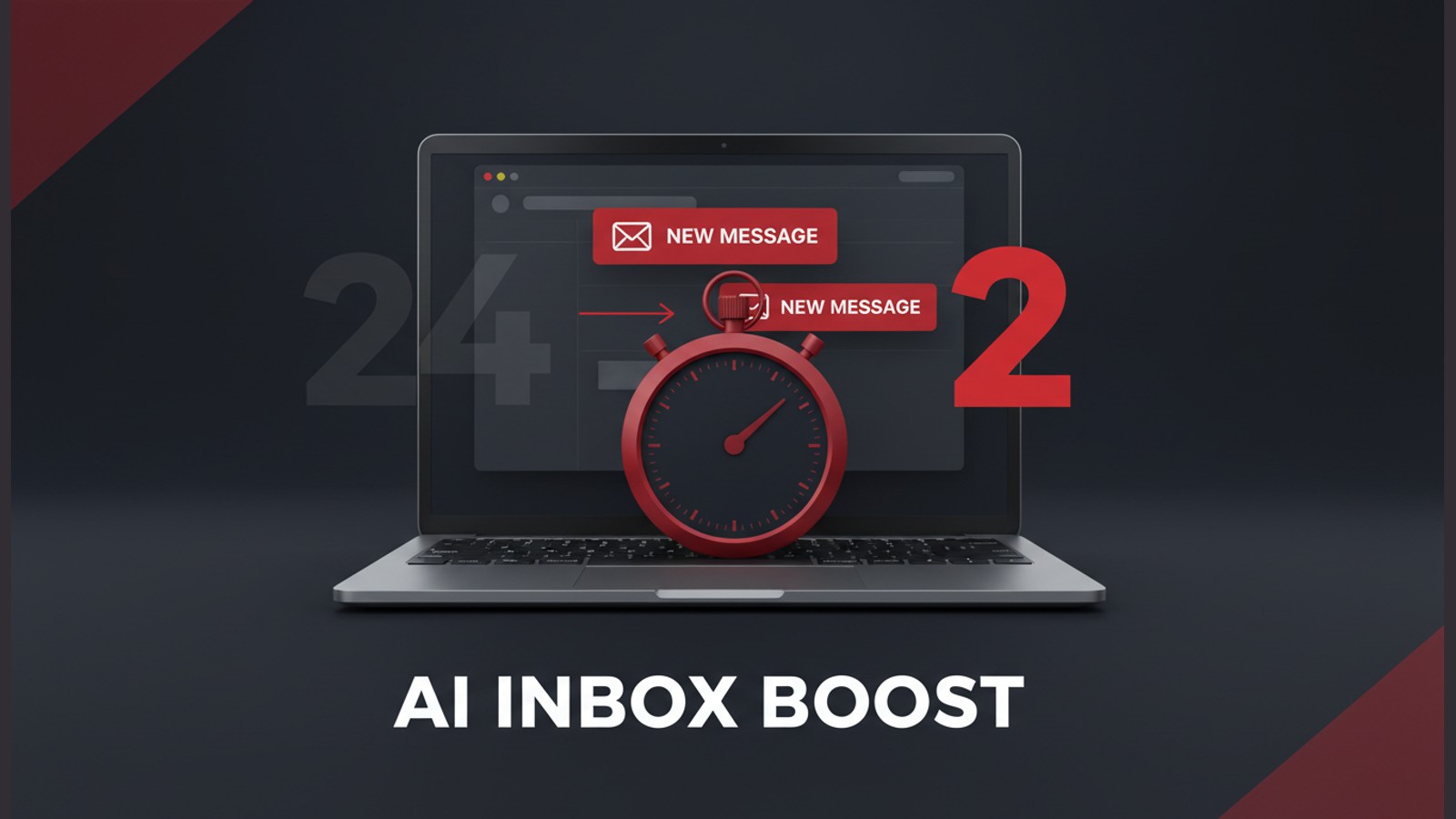
Email was never the problem. The problem was the 127 unread messages staring at the consulting team every morning and the 24-hour average it took to answer each one. Clients were polite, but renewals stalled. Staff worked Saturdays just to catch up. Then they switched on an AI email agent. Within two weeks the same four-person team replied in under two hours, cut total inbox time 70% and freed more than 20 hours a week without adding headcount.
Here is the exact workflow they deployed, the numbers that changed and the step-by-step guide you can copy this quarter.
The Real Cost of Living in Your Inbox
Most firms treat email as overhead. In reality it is a silent profit leak:
- Professionals lose 28% of the workday to email (McKinsey, 2023)
- Every unreplied client message increases churn probability 3%
- After 24 hours, 60% of prospects buy from whoever answers first
For the Ahmedabad-based strategy boutique the bill was steeper. Partners billed ₹18,000 an hour. Yet they spent 12 collective hours a day on mail: forwarding, re-explaining, apologising for delays. One lost retainer paid for a junior analyst for a year.
How AI Triage Works in Plain English
Think of an AI inbox agent as a speed-reading paralegal who never sleeps.
- It scans every new message in under 400 ms
- Tags topic (contract, invoice, meeting, referral, complaint)
- Scores urgency (1 to 5) using client tier and sentiment
- Moves high-impact mail to a Priority queue
- Auto-drafts a reply for human review or sends if confidence > 95%
The model is trained on 18 months of historic replies so tone, disclaimers and pricing tables match the partner who supposedly wrote them.
Key point: The AI does not replace judgement; it front-loads the boring 80% so humans handle the exceptions that need empathy or negotiation.
The 24-Hour to 2-Hour Shift
Before: a client sent a statement-of-work question at 9 am Monday. It hit the general mailbox, was routed to an associate, sat unread while she travelled, reached the partner for approval on Tuesday morning and went out Tuesday afternoon. Elapsed time: 29 hours.
After: the AI tags the mail "Contract-High" at 9:00:14 am, drafts a three-line reply with the SoW link, sends it to the partner’s phone for thumb-stamp approval, and the client receives a personalised answer at 9:02 am. Same question, same people, 118-second turnaround.
Client satisfaction surveys moved in lockstep: Net Promoter Score rose from 46 to 64 in six weeks, the fastest jump in the firm’s 14-year history.
Building the AI Email Agent: Step by Step
You can reproduce the stack in a single sprint. No code required.
1. Connect Your Data
Export the last 12 months of sent mail as .eml or via Gmail API. Strip attachments, keep subject, body, to, from, cc. Aim for at least 5,000 threads.
2. Label Historic Replies
Use a simple spreadsheet to tag 500 random messages with:
- Topic: Contract, Invoice, Meeting, Support, Referral, Other
- Action: Send, Review, Ignore, Escalate
- Sentiment: Positive, Neutral, Negative
Two hours of labelling beats two weeks of model tuning later.
3. Train the Classifier
Open-source route: use scikit-learn + TF-IDF. Low-code route: Zapier’s AI Formatter or Microsoft’s Text Analytics. Upload the CSV, map columns, hit Train. Target accuracy 92%.
4. Build the Draft Generator
Feed the prompt:
"You are a polite senior consultant. Reply to the email below in under 120 words, confirm next steps and add a calendar link if a meeting is needed. Keep tone friendly-professional."
Connect to GPT-4 or Claude 3. Set max tokens 250, temperature 0.3.
5. Add Human-in-the-Loop
High-urgency or negative sentiment mails route to a "Review" queue in Outlook or Gmail. Everything else auto-replies after 90 minutes unless a human overrides.
Result: The consulting team spends 15 minutes each morning reviewing the AI’s overnight queue instead of two hours clearing spam.
What 70% Time Reduction Looks Like Across Roles
| Role | Before (hrs/wk) | After (hrs/wk) | Recovered |
|---|---|---|---|
| Partner | 8 | 2 | 6h strategy work |
| Manager | 12 | 4 | 8h client upsell |
| Analyst | 10 | 3 | 7h research |
| Coordinator | 15 | 4 | 11h process docs |
The firm redeployed 32 reclaimed hours to billable work, adding ₹14 lakh revenue the next quarter.
Common Pitfalls and How to Avoid Them
- Over-automation: Set confidence threshold at 95% before auto-sending. One wrong quote is costlier than 100 manual reviews.
- Privacy drift: Re-train quarterly; new clients use different jargon. Delete exported mails after 30 days to stay GDPR compliant.
- Model bias: If historic data favours short, blunt replies, the AI will too. Mix in examples of warm, detailed responses.
Red flag: Never let the AI send financial figures without human sign-off. A misplaced zero once cost a beta user a ₹30 lakh change order.
Everyday Bonus: The Parent Version
A boutique owner and mother of two used the same stack for her Gmail. School permission slips, supplier invoices and wholesale enquiries now sort themselves while she packs orders. Inbox zero at 8 pm, no laptop after dinner.
Rollout Checklist for This Quarter
- Pick one high-volume mailbox (support@ or info@) as pilot
- Run a silent week: AI tags and drafts, humans send
- Measure response time, CSAT and hours logged
- Adjust thresholds; expand to sales@ once error rate < 3%
- Document the playbook, schedule quarterly retraining
Sources
Share this article